 Back
Back Print
Print Feedback
You may also be interested in...
Banner Tables - Advanced crosstabs

Got to:
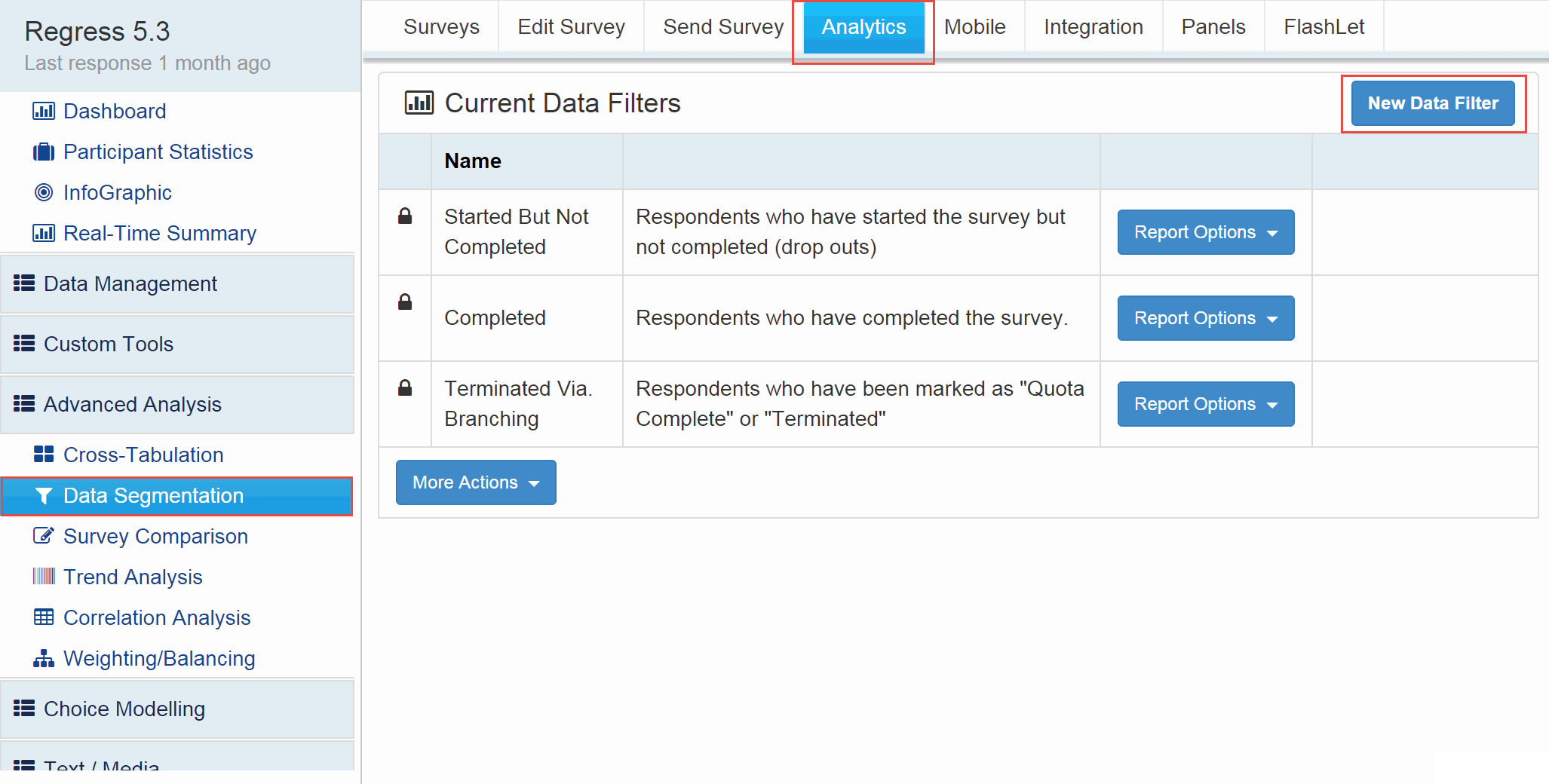
Click on the 'New Data Segment' button.
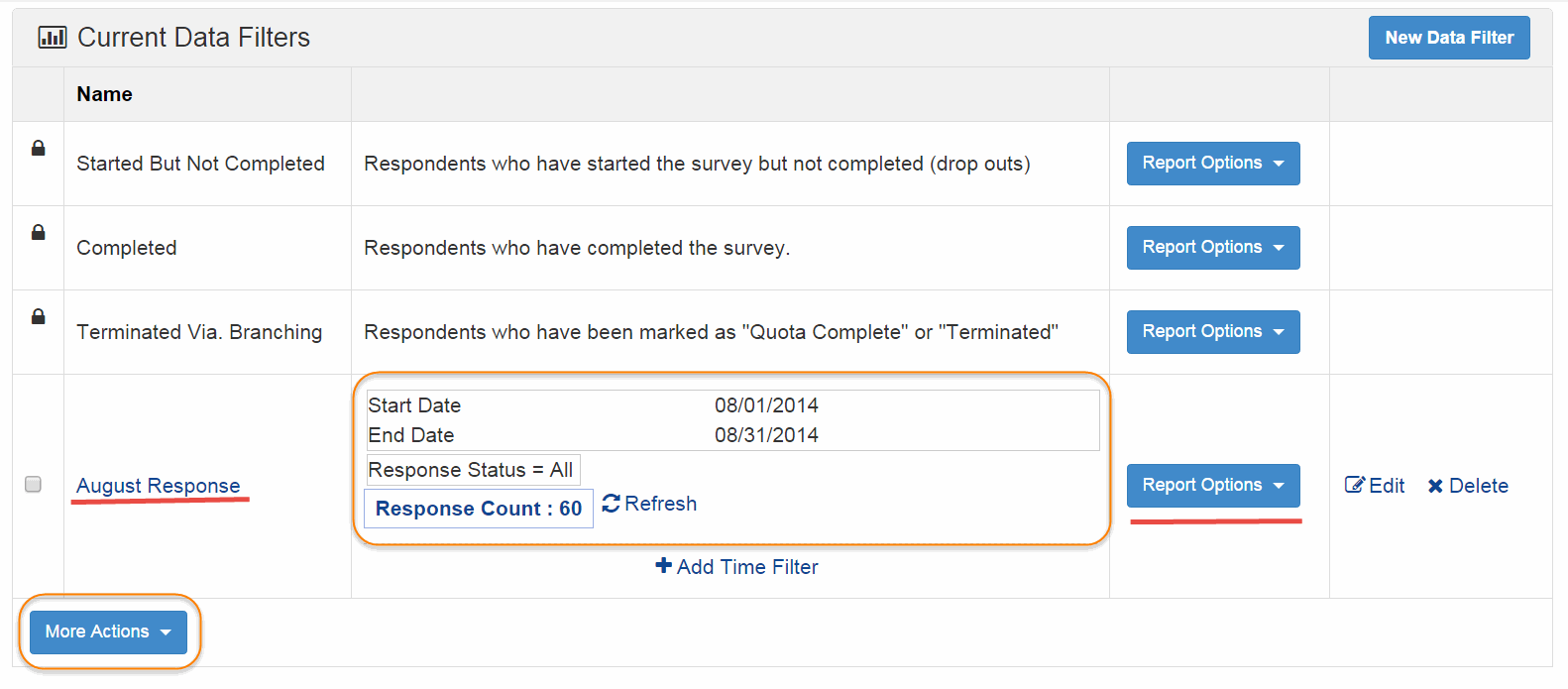
Name your group and select the type of Data segment.
1. Screenshot
2. Screenshot
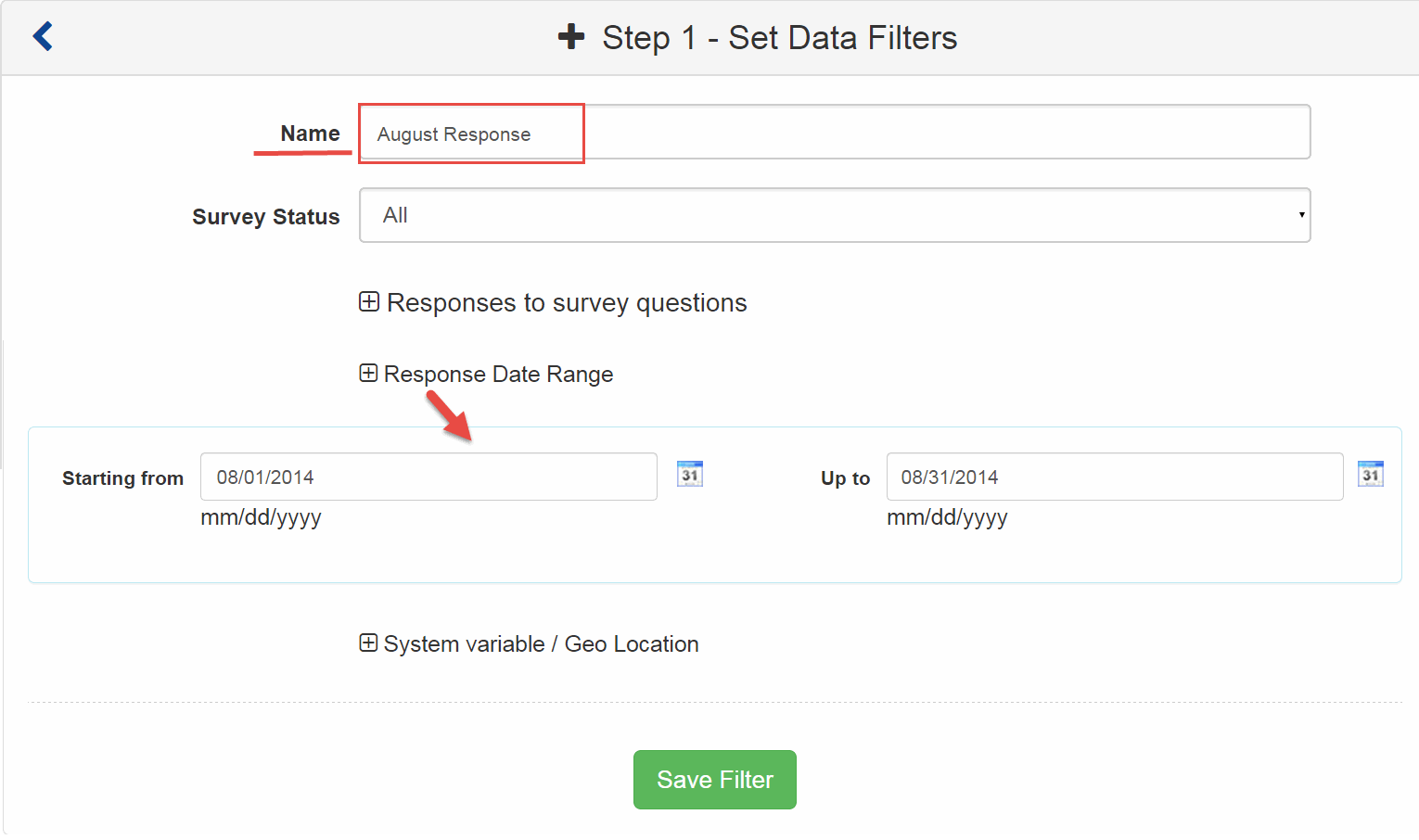
Enter/ Type in the start date and end date.
Click on the Finish button to save the Data Segment.
3. Screenshot
You can set time zone for your data. You will find this option under My Account
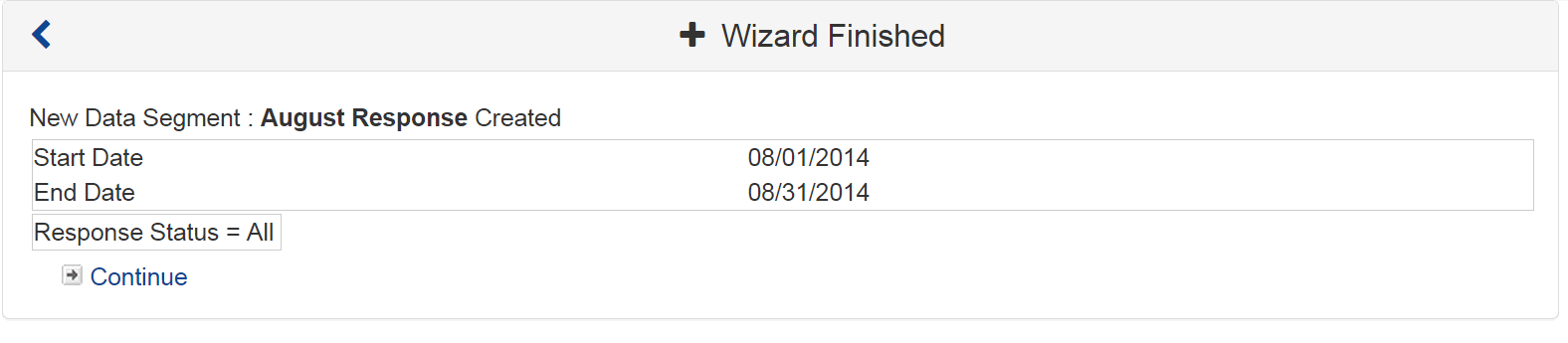
After you've created the Group/Segment, you can do one of two things:
To View the Results (Filtered or Comparison) :
To View the Segments as part of the Excel Download - Request the Excel Report :
4. Screenshot
Banner Tables - Advanced crosstabs